Paint by Numbers Postcard: Free Front and Back PDF
· Make and print · By Painting by Numbers Tool
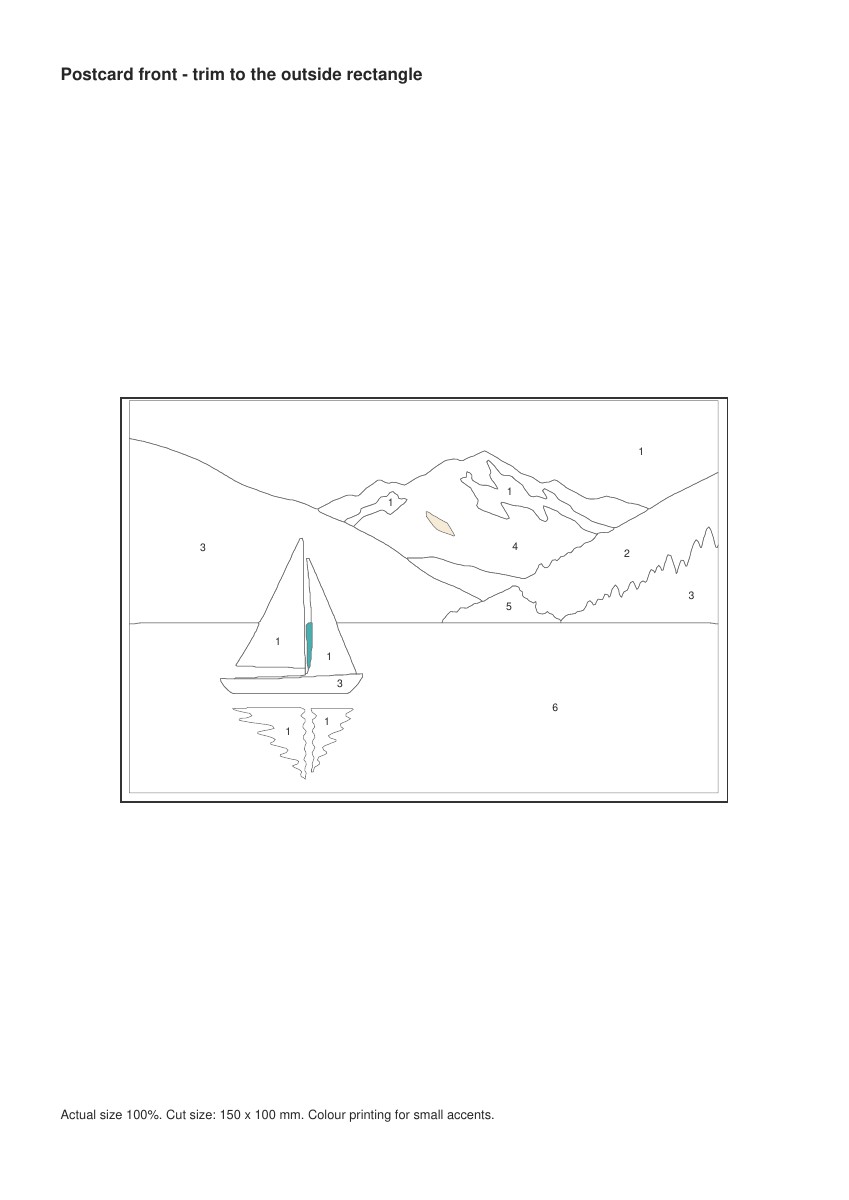
A little lake scene on the front; the place, date and a few lines on the back. This free paint by numbers postcard is a flat 150 × 100 mm card, with matching front and reverse positions on A4 and US Letter sheets. It is a fixed original design, not an automatic own-photo postcard maker.
Download A4 postcard pack · Download US Letter postcard pack
Paint by numbers postcard: print without shrinking the numbers
Page 1 is the front, page 2 the back and page 3 the six-colour key and print checks. Two tiny regions are precoloured in the postcard version. Use colour printing, and keep the full-size key separate from the small painting.
The trim rectangle is 150 × 100 mm. A4 and Letter files centre it on their own page sizes; do not use one file with the other paper. The 50 mm line on page 3 gives you a physical scale check after printing.
- Print a trial at actual size or 100%. Measure the scale line and the trim rectangle.
- Print the back on a spare sheet. Hold the trial pages against light to check alignment.
- If using duplex, test the printer’s flip and feed settings before using your chosen stock. The PDF cannot control the printer’s alignment.
- Check the smallest number and test your materials. Colour the front and let it dry before trimming.
- Write the place and date on the back. Leave the address and stamp areas clear if you intend to post it.
Choose paper for both the printer and the journey
Ordinary printer paper can be too thin to send as a standalone postcard. The US Postal Service’s postcard guidance gives size and thickness limits. This 150 × 100 mm rectangle fits within its stated size range, but the PDF says nothing about your paper’s actual thickness.
Check your own postal service for the destination and format. Paint, attachments, warping and stock can affect whether a card is suitable. If you are unsure, use an appropriate envelope and check its postage instead of assuming a postcard rate.
A trial sheet is more useful than a perfect-looking mockup
We prefer a measured rectangle and a separate colour key over squeezing everything onto the card. The back uses the same digital centre as the front, but that does not prove your printer will align both sides. These files have not been physically printed, painted or mailed.
| Problem | Next check |
|---|---|
| The 50 mm line is shorter | Disable scaling or choose the correct paper file |
| Front and back do not align | Test feed/flip settings on scrap; use the reverse as a writing guide if needed |
| Ink smears under paint | Change materials or paper and test again |
| Small areas feel cramped | Use the larger picture instead of forcing postcard size |
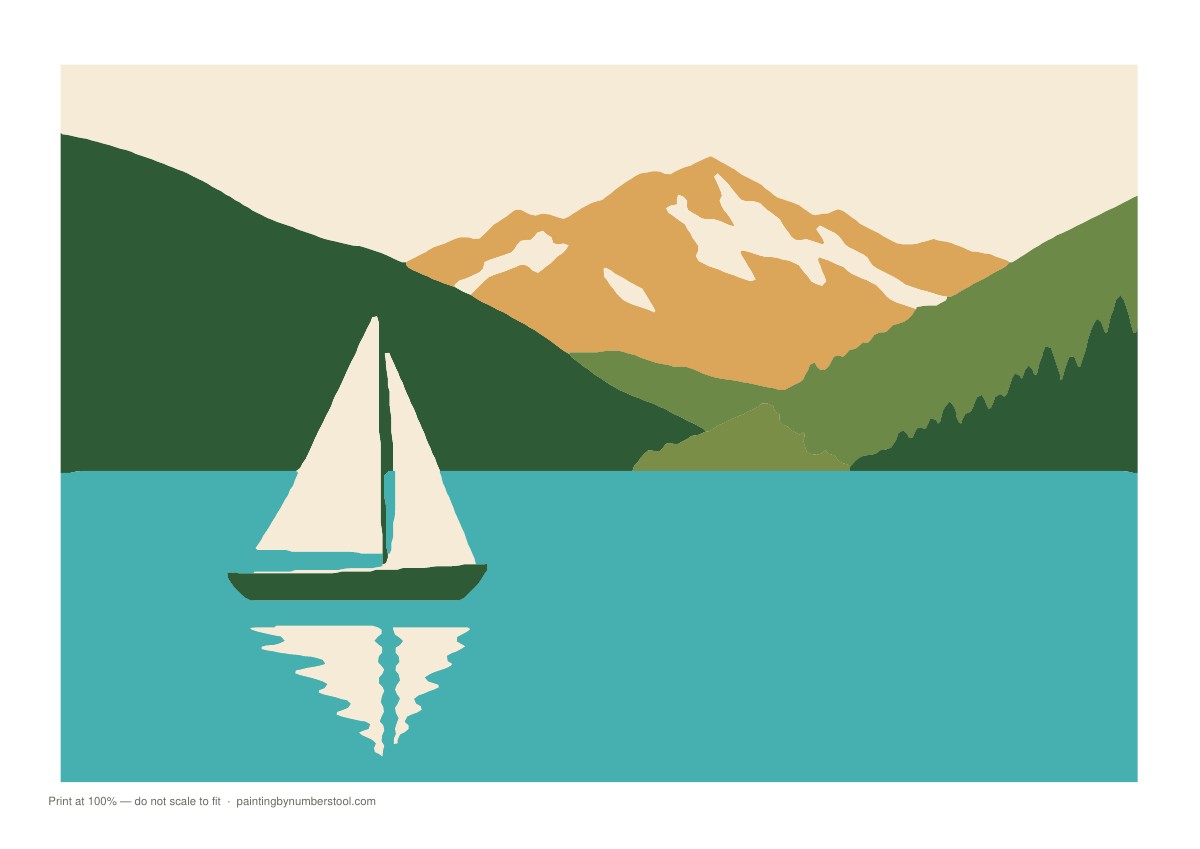
Download the larger A4 lake picture · Download the larger US Letter lake picture
Keep your own travel photo as a separate project
Use paint by numbers photo to choose a clear landscape and paint by numbers colour count to inspect its palette. Large print paint by numbers explains why simply shrinking a detailed image is risky.
You can preview a photo free in Painting By Numbers; an own-photo printable paint by numbers PDF is paid. That product does not automatically supply this postcard back or validate small-card readability.
Print one trial front and back first. Only make more copies after the scale, alignment and smallest number work on the paper you will actually use.