Turn your photo into a color by numbers page
Same generator, made for pencils and markers instead of paint. Pick your photo, print it on A4 and start colouring.
Print it at home
Three pages on A4: your colouring page with the numbers, the finished image to work towards, and the colour legend with a swatch for every number.
€ 4,95
Generating and looking is free. You only pay for the printable version.
Pencils that match the legend
These are affiliate links: it costs you nothing extra and it helps keep the tool free.
How the colour legend works
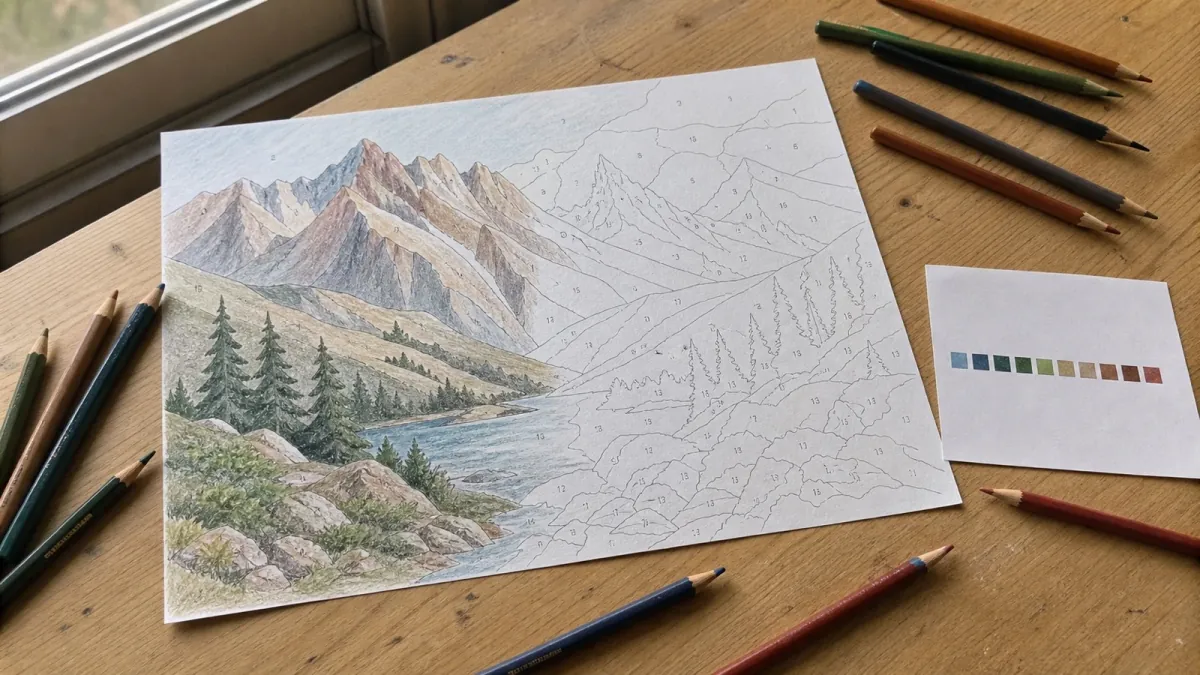
Every number in the pattern comes with a colour swatch and its hex code. Hold your own pencils next to the swatch and pick the closest one — that works with any set you already own, whether it is a supermarket box or an artist range.
We deliberately do not print a brand and pencil number next to every area. Pencil ranges differ per country and per batch, and a name that does not match the pencil in your hand is worse than no name at all.
How many colours to pick
With pencils you blend less than with paint, so fewer colours usually looks better. Twenty-four gives a bold, poster-like page. Thirty-six is the balanced choice. Forty-eight keeps subtle shading but asks for a large pencil set to do it justice.
For a child or for yourself: change one setting
For children
Pick 24 colours or fewer. That gives large, calm areas a child can fill in without going over the line every time, and it keeps the number of pencils manageable. Photos of a pet or a single face work far better than a group or a busy street.
For adults
Go to 36 or 48 colours. The shading survives, the areas get small enough to be genuinely absorbing, and a single page becomes an evening rather than twenty minutes. Print on A3 if you want to keep the fine areas workable.
For a classroom or a worksheet
Choose 24, 36 or 48 colours. For a simpler pattern, start with 24 colours and a photo with one clear subject. Inspect the numbered preview before buying: small areas can still be difficult for a child.
Want a sum instead of a number? Print the page and write your own exercise next to the legend: number 4 becomes 2+2. The legend is a plain list, so that takes a pen and two minutes.
On screen, or on paper?
This makes a page to print and colour by hand, not a game you tap through. There is nothing to install: the tool runs in your browser on a phone as well as a laptop, and on a phone you can add it to your home screen so it opens like an app.
One thing it deliberately does not do: pixel grids. A pixel colouring page turns your photo into squares of one colour each, which is a different craft and a different tool. Here the outlines follow the shapes in your photo, so a face still reads as that face.
Color by numbers generator — frequently asked questions
- Is the color by numbers generator free?
- Yes. Uploading a photo, choosing the number of colours and looking at the finished colouring page costs nothing, and there is no account. You only pay if you want the printable PDF.
- Does it work for children as well as adults?
- Both, but not with the same settings. For children pick 24 colours or fewer, which gives big calm areas that a young hand can fill in. For adults 36 to 48 colours keeps the shading and turns it into an evening of work.
- Which pencils do I need?
- Use the pencils or markers you already own. Match each numbered colour swatch to the closest colour in your set, or select a supported pencil palette in the tool.
- Can I print it on A4 at home?
- Yes. The page is laid out for A4 on a normal home printer, in three sheets: the numbered colouring page, the finished image to work towards, and the colour legend.
- What is the difference with paint by numbers?
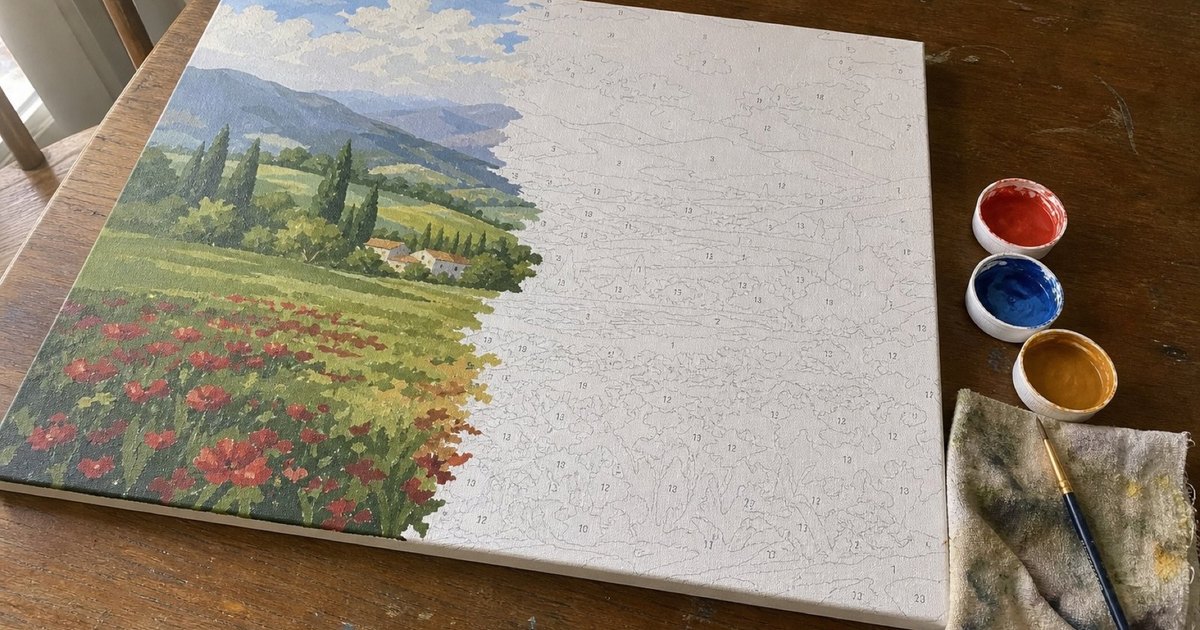
- The pattern is the same idea, the medium is not. Color by numbers is made for pencils and markers on paper, so the areas are larger and there are fewer of them. Paint by numbers is made for acrylic paint on canvas.
- Where can I find a colour by numbers book?
- Bookshops and craft shops sell them, and every page in one is a drawing somebody else picked. Here you print your own instead: a photo you chose, as many pages as you want, on plain A4. Cheaper than a book after two pages, and nobody else has the same one.
- How do I make a color by numbers page from a photo?
- Pick the photo, pick how many colours you want, and the numbered page appears within a few seconds. Check one detail that matters — an eye, a nose — at full size: if that area is still recognisable, you are done. If not, add colours or crop tighter and run it again.
- Is there an app to make a color by number?
- You do not need one. This runs in the browser on a phone, a tablet and a laptop, and on a phone you can add it to your home screen so it opens like an app. Nothing to install, no account.
- Can I use my own photo?
- Yes. Choose a photo to create a colouring page in your browser. Your photo stays on your device during the preview. It is uploaded when you order a PDF or kit, request a discount, or choose to share your result.
Looking for paint on canvas instead of pencils on paper? The paint by numbers generator works the same way, sized for acrylics.